1. Take a picture
Open SwiftPay and frame the Till or Paybill on the sign or sticker—the app reads it for you.
Example: TILL 5577192
SwiftPay · THE EASY WAY
Download the SwiftPay app, snap the number from a sticker or poster, and authorize with your M-Pesa PIN. No typing long digits by hand.
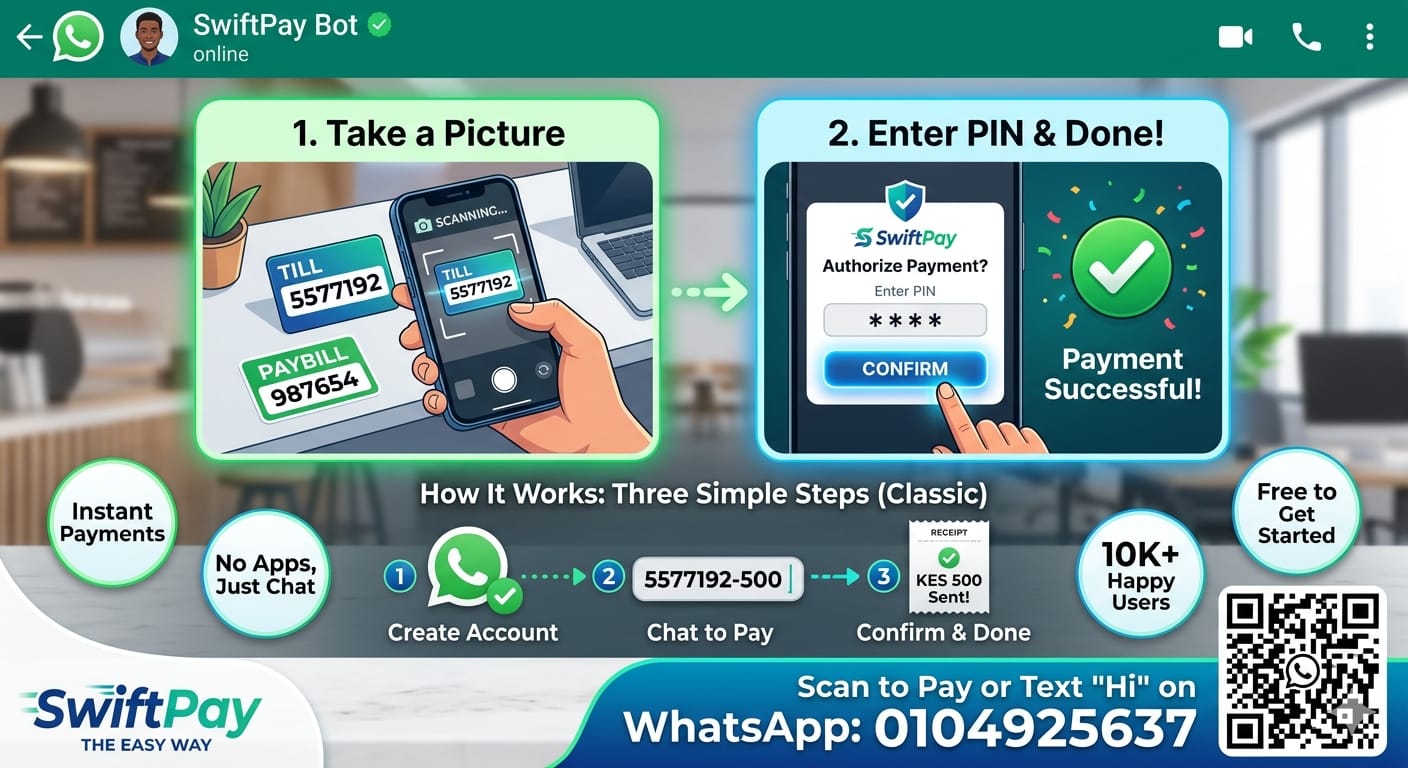
From the counter sticker to a confirmed payment
Open SwiftPay and frame the Till or Paybill on the sign or sticker—the app reads it for you.
Example: TILL 5577192
Confirm the amount, enter your M-Pesa PIN, and get instant confirmation in the app.
Result: Payment successful
Install on Android, sign in or create an account, and start paying with your camera in minutes.
Prefer chat? Continue on WhatsApp
No credit card required. Free to start. Pic & pay in seconds.
Everything you need for fast Till and Paybill payments
Built on M-Pesa's infrastructure. Your PIN stays on your device. Every step is designed for safe checkout.
Confirm in seconds after you scan—less typing, fewer mistakes at the till.
See a Till or Paybill on a poster? Snap it, confirm the amount, and pay—no hunting for the right digits.
View transactions, service-credit charges, and recent payments in your dashboard.